
Free AI Generated Good Morning Images – Create Personalized Wishes Online
At Happy Time Wishes (HTW), we believe every morning is a fresh opportunity to spread happiness, positivity, and love. We understand how meaningful a simple Good Morning message can be when it comes from the heart. That’s why we make it easy for you to create beautiful AI Generated Good Morning Images with personalized names, quotes, and fonts, so you can share a thoughtful greeting with your loved ones and make their morning a little brighter.
Choose an Image Below
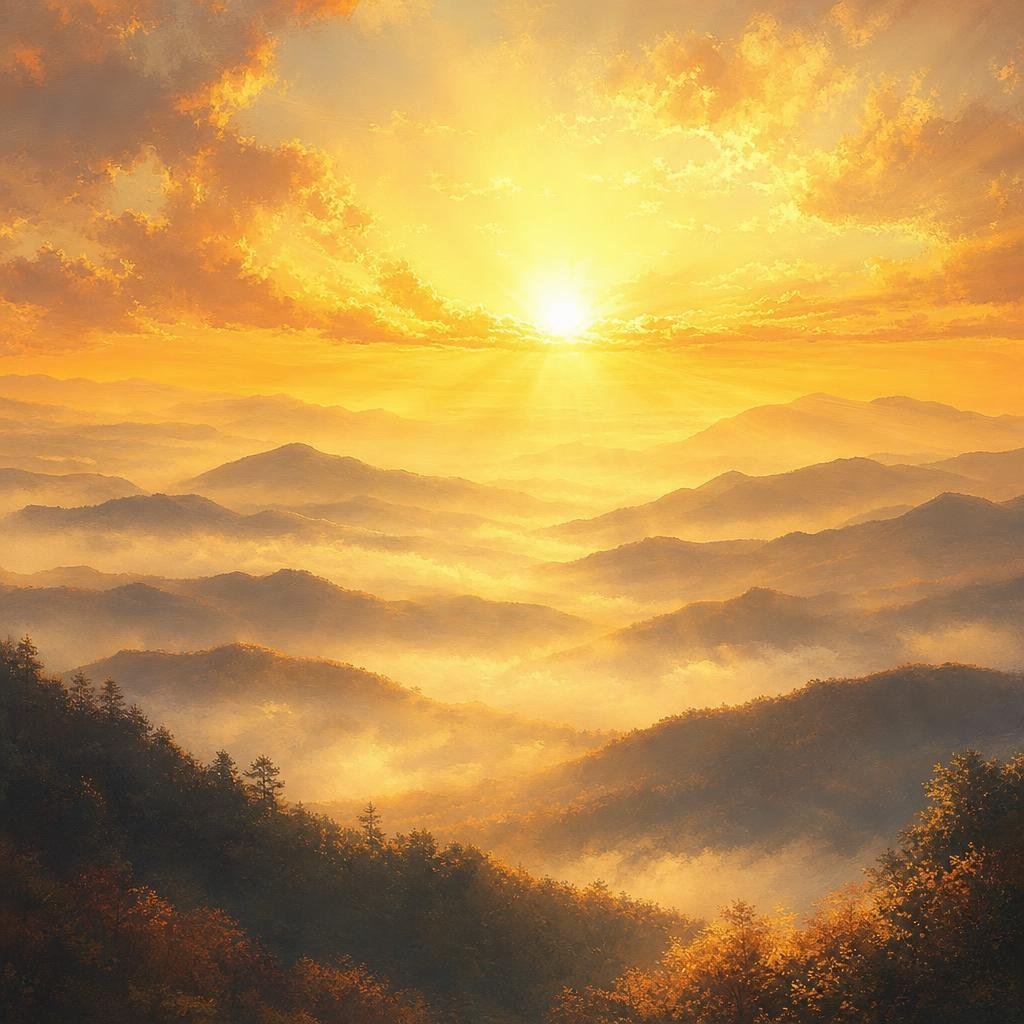
Good Morning
AI Generated Good Morning Images are a simple way to create beautiful morning greetings without spending time searching for the perfect picture. With our free Good Morning Image Generator, you can choose an image, personalize the greeting with a name, add your favorite quote, select a font, and download the finished PNG.
Whether you want to send a cheerful morning message to a friend, family member, colleague, or someone special, you can create a personalized greeting in just a few clicks.
Create a Personalized Good Morning Image
Finding a good morning image online is easy, but finding one with the right message and personal touch can take time. Our tool makes the process much simpler.
You don’t need Photoshop, Canva, or any graphic design experience. Choose an image, enter the recipient’s name, customize the quote, select a font, and download your Good Morning image.
The tool is designed for quick everyday use. If you want to send a different greeting tomorrow, simply choose another image or change the message.
What You Can Customize:
With the Good Morning Image Generator, you can:
- Choose from multiple Good Morning images
- Add the recipient’s name
- Write your own morning quote
- Shuffle quotes for a fresh message
- Change the font
- Preview the finished greeting
- Download the final image as a PNG
This makes it useful when you want a greeting that feels more personal than a standard image downloaded from the internet.
How to Use the Good Morning Image Generator
Creating your personalized morning greeting takes only a few simple steps.
1. Choose an Image
Start by selecting one of the available Good Morning images shown in the tool.
Different backgrounds can create different moods. You might prefer a peaceful sunrise, colorful flowers, a landscape, or another cheerful morning scene.
Choose the image that best matches the mood you want to share.
You can click through the available options and preview your selection before creating the final greeting.
2. Enter the Name
Next, enter the name of the person who will receive the greeting.
For example, instead of sending a generic “Good Morning” image, you can create:
Good Morning, Rahul!
or
Good Morning, Mom!
Adding a name is a small change, but it makes the greeting feel much more personal.
3. Add or Change the Quote
The tool also includes a quote field where you can write your own message.
For example:
New morning, new hopes, new joys.
You can replace the existing quote with a message of your choice.
Some ideas include:
- Have a beautiful and peaceful day!
- Good morning! Make today a wonderful one.
- Wake up with gratitude and enjoy the little things.
- Wishing you happiness, success, and positive energy today.
- May your morning be filled with peace and your day with joy.
You can also use the Shuffle Quote option when you want a different message without writing one yourself.
AI Good Morning Wishes Generator for Fresh Messages
An AI Good Morning Wishes Generator can be especially useful when you don’t know what to write.
Instead of sending the same greeting every day, you can use different messages depending on the person and occasion.
For example, a morning message for a friend can be casual and cheerful, while a message for parents can be warm and affectionate.
| Recipient | Good Morning Message Style |
|---|---|
| Parents | Loving and respectful |
| Friends | Cheerful and casual |
| Partner | Sweet and romantic |
| Colleagues | Positive and professional |
| Customers | Friendly and welcoming |
| Family | Warm and thoughtful |
A personalized message can make a simple Good Morning image feel much more meaningful.
Change the Font to Match Your Greeting
Words are an important part of a greeting image, so the font can affect the overall appearance.
Our tool lets you select a font from the available options. You can experiment with different font styles and choose the one that looks best with your selected image and quote.
For a simple morning greeting, a clean font can make the message easy to read.
For a more decorative greeting, you may prefer a font with a different visual style.
The most important thing is readability. Your message should remain clear when the image is viewed on a smartphone.
Download Your Good Morning Image as PNG
Once you are happy with your image, you can download it as a PNG.
The downloaded image can then be shared through your preferred messaging or social media platform.
You can use your personalized Good Morning image for:
- WhatsApp messages
- WhatsApp groups
- Facebook posts
- Instagram stories
- Personal messages
- Family groups
- Friends and colleagues
- Morning social media posts
Create the greeting once, download it, and share it wherever you want.
Why Personalized Good Morning Images Are Better
A standard Good Morning image can be beautiful, but personalization adds another layer to the greeting.
Compare these two messages:
Good Morning!
and:
Good Morning, Priya! Wishing you a beautiful day filled with happiness.
The second message feels more intentional because it is written for a specific person.
You can also change the quote according to the recipient’s mood or the type of message you want to send.
For example, a motivational message may be suitable for someone starting a new project, while a peaceful quote may be better for a family member.
Good Morning Image Ideas for Every Day
You don’t need to use the same type of greeting every morning. Try changing the theme and message regularly.
Monday Morning
Start the week with an energetic message:
Good Morning! Start the week with a positive mind and a determined heart.
Midweek Motivation
Use an inspirational quote to encourage someone during a busy week.
Good Morning! Keep going. Every small step takes you closer to your goal.
Weekend Greeting
Make the weekend greeting lighter and more relaxed.
Good Morning! Enjoy your weekend, relax, smile, and make beautiful memories.
Family Greeting
For parents or family members, choose a warm message.
Good Morning! Wishing our family a day filled with love, peace, and happiness.
Friendship Greeting
For friends, keep the message simple and cheerful.
Good Morning! May your day be as amazing as your friendship.
Free Good Morning Images for WhatsApp
Good Morning images are particularly popular for WhatsApp because they provide an easy way to start a conversation or send a positive message.
Instead of forwarding the same image that everyone else has already received, you can create a personalized version.
Choose an image, add your friend’s or family member’s name, change the quote, select your preferred font, and download the PNG.
You can then share it directly through WhatsApp.
Personalization makes your greeting stand out even when the message itself is simple.
Free AI Generated Good Morning Images for Social Media
Good Morning images aren’t limited to private messages. They can also be used as social media content.
If you regularly post motivational or inspirational content, customized morning images can provide an easy way to create fresh visual content.
Try creating different combinations of:
- Sunrise backgrounds
- Inspirational quotes
- Positive messages
- Different fonts
- Personalized names
- Short motivational statements
Keep your text concise when creating images for social media. A short message is generally easier to read, especially on mobile screens.
Tips for Creating Better Good Morning Images
A few simple choices can make your final greeting look much better.
1. Keep Your Message Short
Long paragraphs can make a greeting image difficult to read.
Instead of writing several sentences, use one short message that communicates the feeling you want to share.
2. Choose a Suitable Background
A busy background can make text difficult to read. If the image contains lots of visual details, choose a font and placement that maintain good readability.
3. Personalize the Name
Adding a person’s name is one of the easiest ways to make your greeting feel less generic.
4. Try Different Quotes
Don’t use the same message every day. Use the Shuffle Quote option or enter your own quote to keep your greetings fresh.
5. Check the Preview
Before downloading, look at the completed image and make sure the name and quote appear correctly.
A quick preview can help you catch spelling mistakes or messages that don’t look right before you share the image.
AI Generated Good Morning Images vs. Regular Greeting Images
People often search for AI-generated greetings because they want something different from ordinary images available online.
Traditional greeting images are usually ready-made. You select one and share it.
With a customizable generator, you have more control over the final greeting.
| Feature | Regular Greeting Image | Personalized Generator |
|---|---|---|
| Ready-made image | Yes | Yes |
| Add a name | Usually no | Yes |
| Change the quote | No | Yes |
| Shuffle messages | No | Yes |
| Change font | Usually no | Yes |
| Download PNG | Depends on source | Yes |
| Personalization | Limited | High |
The main advantage is convenience. You don’t have to edit the image manually using separate design software.
Who Can Use This Good Morning Generator?
The tool is suitable for anyone who enjoys sharing morning greetings.
You can use it for:
- Parents and grandparents
- Brothers and sisters
- Friends
- Couples
- Colleagues
- Customers
- Family WhatsApp groups
- Social media followers
It can also be useful for people who regularly create greeting content and want a quick way to customize their messages.
Frequently Asked Questions
Q1. What are AI Generated Good Morning Images?
AI Generated Good Morning Images are digital greeting visuals created or customized with the help of AI and image-generation technology. They can feature morning scenes, quotes, names, and personalized messages.
Q2. How can I create a personalized Good Morning image?
Choose an image from the generator, enter the recipient’s name, add or change the quote, select a font, preview the result, and download the finished PNG.
Q3. Can I add someone’s name to the Good Morning image?
Yes. Enter the recipient’s name in the name field, and the name can be included in your personalized greeting.
Q4. Can I write my own Good Morning quote?
Yes. You can replace the existing quote with your own message. This allows you to create a greeting specifically for the person you’re sending it to.
Q5. What does the Shuffle Quote button do?
The Shuffle Quote option provides another available morning quote, making it easier to create a fresh greeting without manually writing a new message.
Q6. Can I change the font?
Yes. The font selection option allows you to choose from the available font styles before downloading your final image.
Q7. Can I download the Good Morning image?
Yes. Once you’re satisfied with the design, you can use the Download PNG button to save your personalized Good Morning image.
Q8. Can I share the downloaded image on WhatsApp?
Yes. After downloading the PNG, you can share it through WhatsApp or other messaging and social media platforms.
Conlusion
You don’t need graphic design software or complicated editing tools to create a personalized morning greeting.
Choose your favorite image, add a name, write a meaningful quote, select a font, and download your Good Morning image in PNG format.
Whether you’re sending a cheerful greeting to a friend, a loving message to your parents, or an inspirational wish to a colleague, a personalized image can make the simple act of saying “Good Morning” feel more thoughtful.
If you’re searching for AI Generated Good Morning Images, try creating your own personalized greeting instead of downloading the same generic image everyone else is sharing.
Start with an image, add your message, personalize it, and make someone’s morning a little brighter.